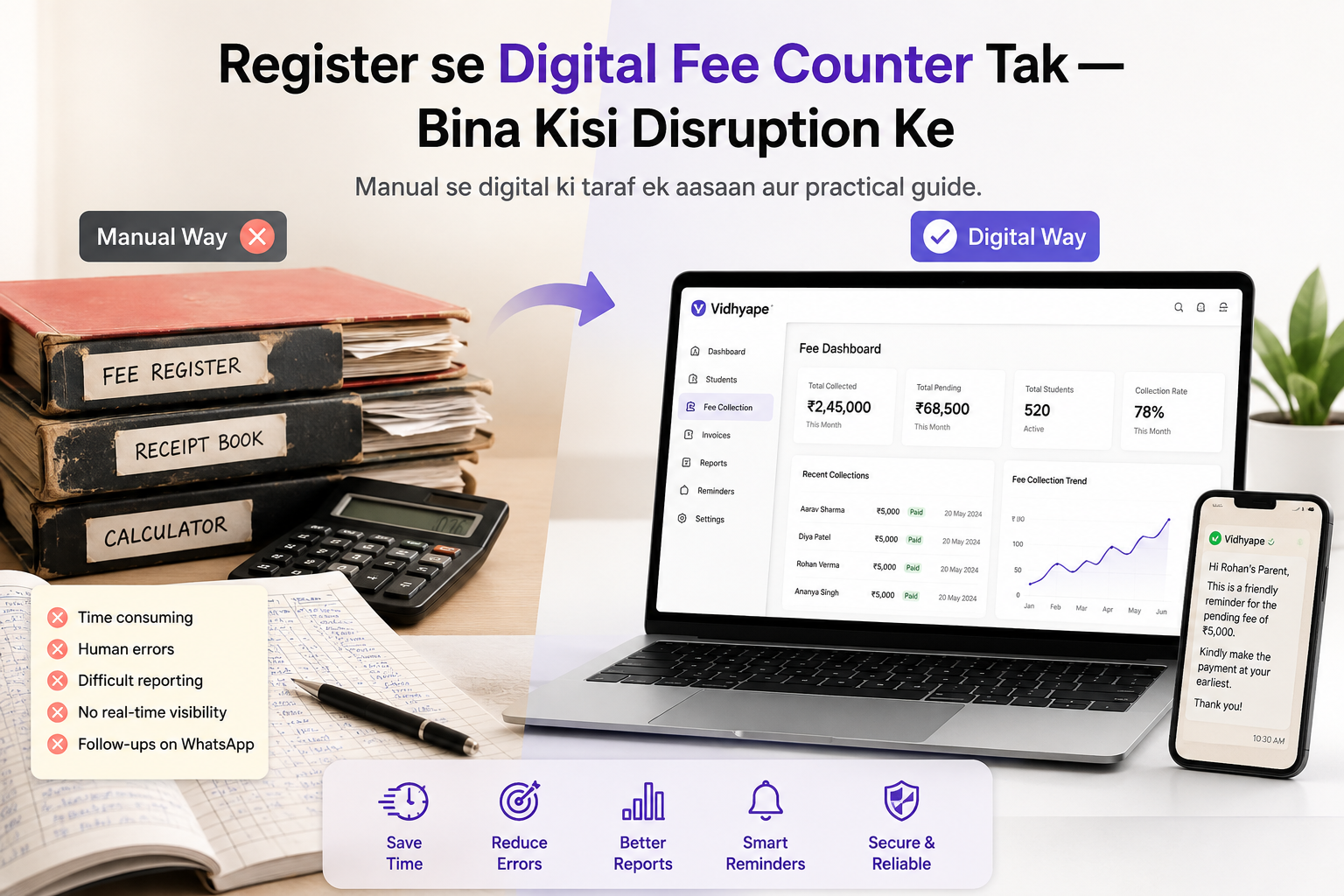
School fee collection ka system saalon se ek hi tarah chalta aa raha hai — register, receipt book, calculator, Excel sheet aur WhatsApp reminders.
Kaam ho jaata hai, lekin har fee collection day par accountant ko ek hi problem face karni padti hai:
“Sab kuch manage ho raha hai, lekin bahut zyada manual kaam ho raha hai.”
Agar aapka school abhi bhi register ya Excel par fees manage karta hai, toh digital system par shift karna difficult nahi hai. Sabse important baat hai ki existing process ko ekdum se replace karne ki zarurat nahi hai.
Aap step-by-step digital fee collection start kar sakte hain — bina school ke daily operations ko disturb kiye.
1. Sabse Pehle Current System Ko Samjhein
Digital migration ka first step software kharidna nahi hai.
Pehle samjhein ki aapke school mein fees ka process currently kaise chal raha hai.
For example:
Student admission ka record kahan hai?
Fee structure kaise maintain hota hai?
Monthly demand kaise calculate hoti hai?
Payment receive hone ke baad receipt kaise banti hai?
Cash collection ka record kaise maintain hota hai?
UPI payments ka reconciliation kaise hota hai?
Outstanding fees ka pata kaise chalta hai?
Parents ko reminder kaise bheja jaata hai?
Is process ko map karne ke baad digitalisation bahut simple ho jaata hai.
2. Student Data Ko Digitise Karein
Aapko ek saath poora school system change karne ki zarurat nahi hai.
Sabse pehle student master data ko digital format mein laaiye.
Basic information jaise:
Student Name
Admission Number
Class
Section
Father's/Mother's Name
Mobile Number
Academic Session
Transport Status
Ek baar student data properly organised ho jaaye, uske baad fee management considerably easier ho jaata hai.
Tip: Duplicate students ko import karne se pehle clean-up zaroor karein.
3. Fee Structure Ko Digitally Set Karein
Ab next step hai school ki fee structure ko system mein configure karna.
For example:
Monthly Fees
Tuition Fee
Computer Fee
Activity Fee
Annual / Other Charges
Admission Fee
Annual Charges
Examination Fee
Development Fee
Transport
Bus Fee
Route-wise charges
Digital system ka benefit ye hai ki accountant ko har student ke liye manually calculation karne ki zarurat kam ho jaati hai.
Fee structure define hone ke baad system automatically student ki demand generate kar sakta hai.
4. Purane Outstanding Ko Ignore Mat Karein
Digital migration karte waqt sabse common mistake hoti hai:
“Aaj se digital system start karte hain.”
Lekin agar students ki purani outstanding fees system mein nahi hai, toh accountant ko do jagah record maintain karna padega.
Isliye migration ke time existing outstanding ko bhi properly enter karein.
Example:
Student
Previous Due
Current Demand
Total Outstanding
Rahul
₹5,000
₹3,500
₹8,500
Priya
₹2,000
₹3,500
₹5,500
Isse accountant ko ek hi screen par student ki complete fee position samajh aa sakti hai.
5. Receipt Book Se Digital Receipt Tak
Traditional process:
Payment → Register Entry → Receipt Book → Calculation → Filing
Digital process:
Payment → Record Payment → Generate Receipt
Agar school counter par thermal printer available hai, toh digital receipt ko directly print bhi kiya ja sakta hai.
Isse:
Manual writing reduce hoti hai
Receipt calculation errors kam hote hain
Duplicate receipt ka risk reduce hota hai
Records searchable ho jaate hain
Receipt history maintain karna easy hota hai
Lekin transition ke dauran physical receipt book ko immediately band karna zaroori nahi hai.
School apne comfort ke according transition kar sakta hai.
6. Cash Aur UPI Dono Ko Track Karein
School fee collection mein sirf online payment hi nahi hota.
Counter par abhi bhi bahut saare parents:
Cash + UPI
dono methods use karte hain.
Isliye digital fee system ko payment mode ke according collection record maintain karna chahiye.
For example:
Today's Collection
Cash — ₹48,500
UPI — ₹72,300
Total — ₹1,20,800
End of the day accountant ko simply collection verify karna chahiye.
Digital system ka purpose accountant ka kaam badhana nahi, reconciliation ko easier banana hai.
7. Parents Ko Dheere-Dheere Digital Karein
Digital transformation ka matlab sirf accountant ka software change karna nahi hai.
Parents ko bhi gradually digital process ka habit develop karna hoga.
Aap payment reminders WhatsApp par bhej sakte hain.
Example:
Dear Parent,
Your ward's school fee of ₹8,500 is pending.
Please make the payment using the payment link provided.
Thank you.
Parents ko convenient payment option dene se counter par unnecessary crowd bhi reduce ho sakta hai.
8. Accountant Ko Training Dein — Software Ko Nahi
A good fee management system ka test ye nahi hai ki usmein kitne features hain.
Real test ye hai:
Kya accountant bina technical knowledge ke daily kaam kar sakta hai?
Training ke dauran accountant ko sirf core workflows sikhayein:
Student search karna
Demand dekhna
Payment receive karna
Receipt generate karna
Outstanding check karna
Daily collection dekhna
Reports generate karna
Agar ye basic tasks easily ho rahe hain, toh migration successful hai.
9. Pehle Ek Counter Se Start Karein
Poore school ko ek hi din digital karne ki zarurat nahi hai.
Aap ek simple pilot se start kar sakte hain.
For example:
Week 1:
One accountant + one fee counter
Week 2:
Digital receipts + cash/UPI tracking
Week 3:
Outstanding tracking + parent reminders
Week 4:
Complete fee collection process
Jab accountant comfortable ho jaaye, tab baaki counters ya staff ko onboard karein.
Digital Migration Ka Simple Formula
Agar aap register se digital fee collection par shift kar rahe hain, toh process ko simple rakhein:
Student Data → Fee Structure → Outstanding → Payment → Receipt → Reconciliation → Reports
Bas.
Aapko school ka complete ERP implement karne ki zarurat nahi hai agar aapka immediate problem fee collection hai.
VidhyaPe Ke Saath Digital Fee Collection
VidhyaPe ko isi problem ko simple banane ke liye design kiya gaya hai.
VidhyaPe ka focus school fee collection aur fee management par hai — taaki accountant student ki fee demand, payment, receipt aur outstanding ko ek simple workflow mein manage kar sake.
Aap apne existing fee collection process ko gradually digitalise kar sakte hain, bina school ke daily operations ko disrupt kiye.
Start Small. Go Digital. Keep It Simple.
Ready to move from register to digital fee collection?